







ジェネレータ
歴史
AI フロアプランジェネレーター
変更ツール
モデル
ベース版
切り替え
部屋
寝室
-
2
+
bathRoom
-
1
+
キッチン
オープン
クローズド
延べ面積
ユニット メトリック
メトリック 帝国
帝国
メトリック 帝国エリア
< 50㎡
50-80㎡
80-100㎡
100-120㎡
120-150㎡
> 150㎡
追加設備
ウォークインクローゼット
ランドリールーム
収納室
ユーティリティルーム
在宅勤務用オフィス
ガレージ
食品貯蔵室
リビングダイニング一体型
バルコニー

Discover the Best App to Design Floor Plans: Ideal House AI Floor Plan Generator
Revolutionize your design process with Ideal House, the ultimate AI-powered floor plan generator. Quickly create stunning 2D floor plans tailored to your exact specifications. Whether you're a homeowner, designer, or real estate professional, our intuitive tools make generating high-quality architectural drawings simple and efficient. Experience the future of space planning and bring your vision to life today. It's the best app to design floor plans for speed and precision.
Generate My Floor Plan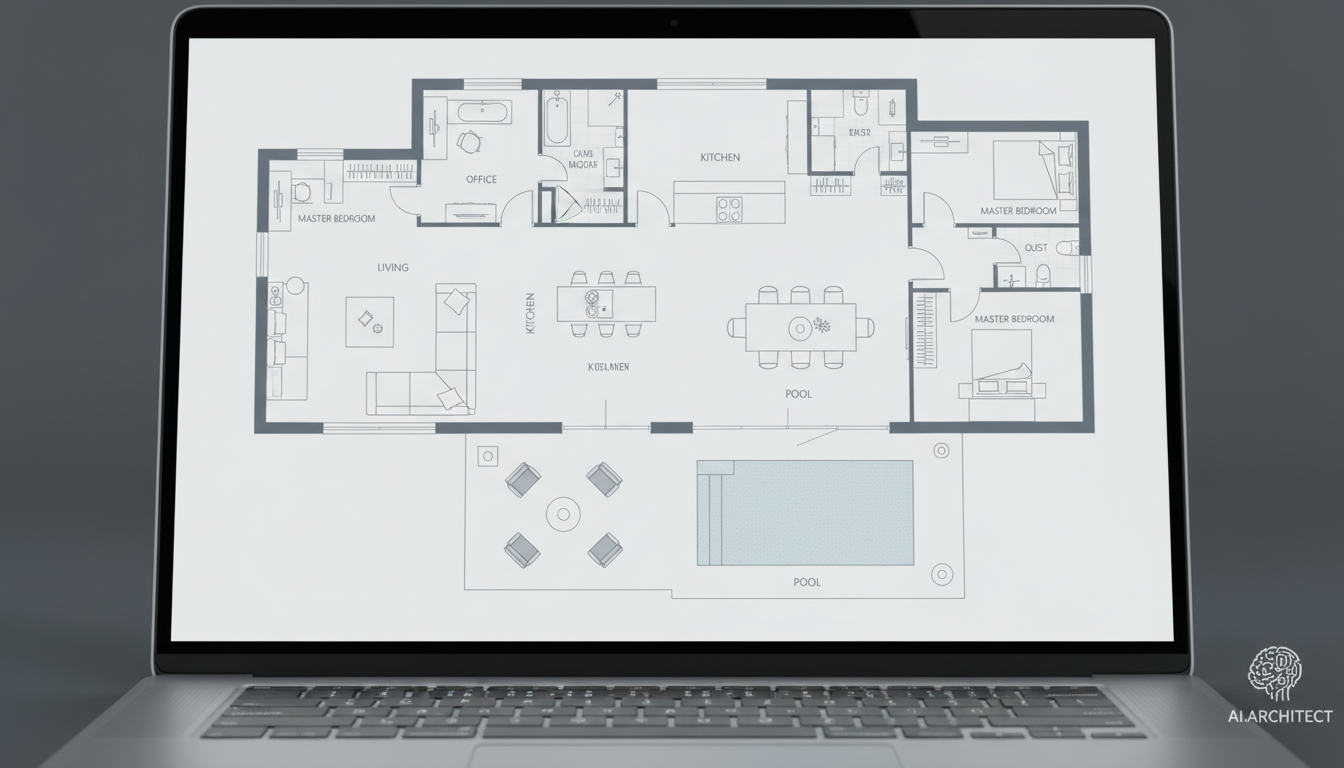


Why Ideal House is the Best App to Design Floor Plans
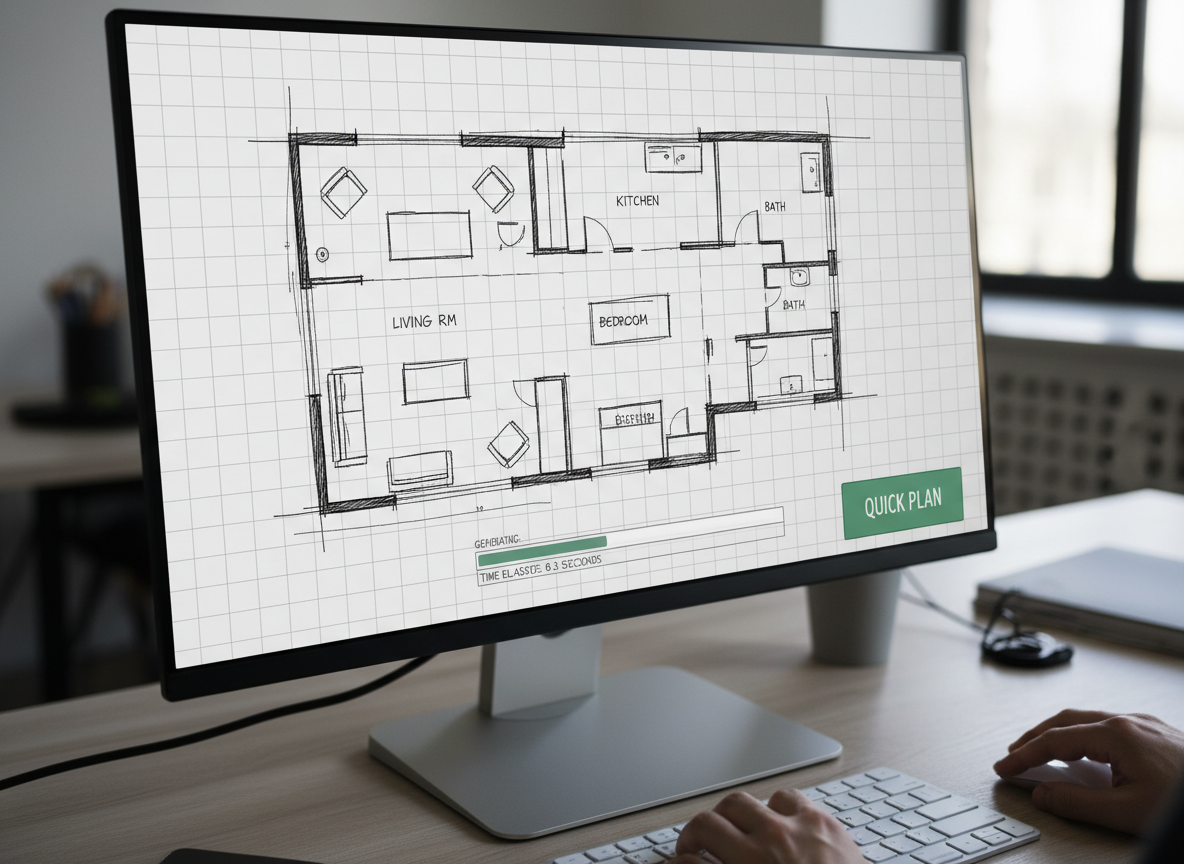
Instant 2D Floor Plan Generation
Say goodbye to manual drafting. Our AI floor plan creator transforms your design parameters into detailed 2D floor plans in seconds. Simply input your preferences, and watch as sophisticated layouts appear, perfect for initial concepts or client presentations. This is the best app to design floor plans for rapid prototyping.
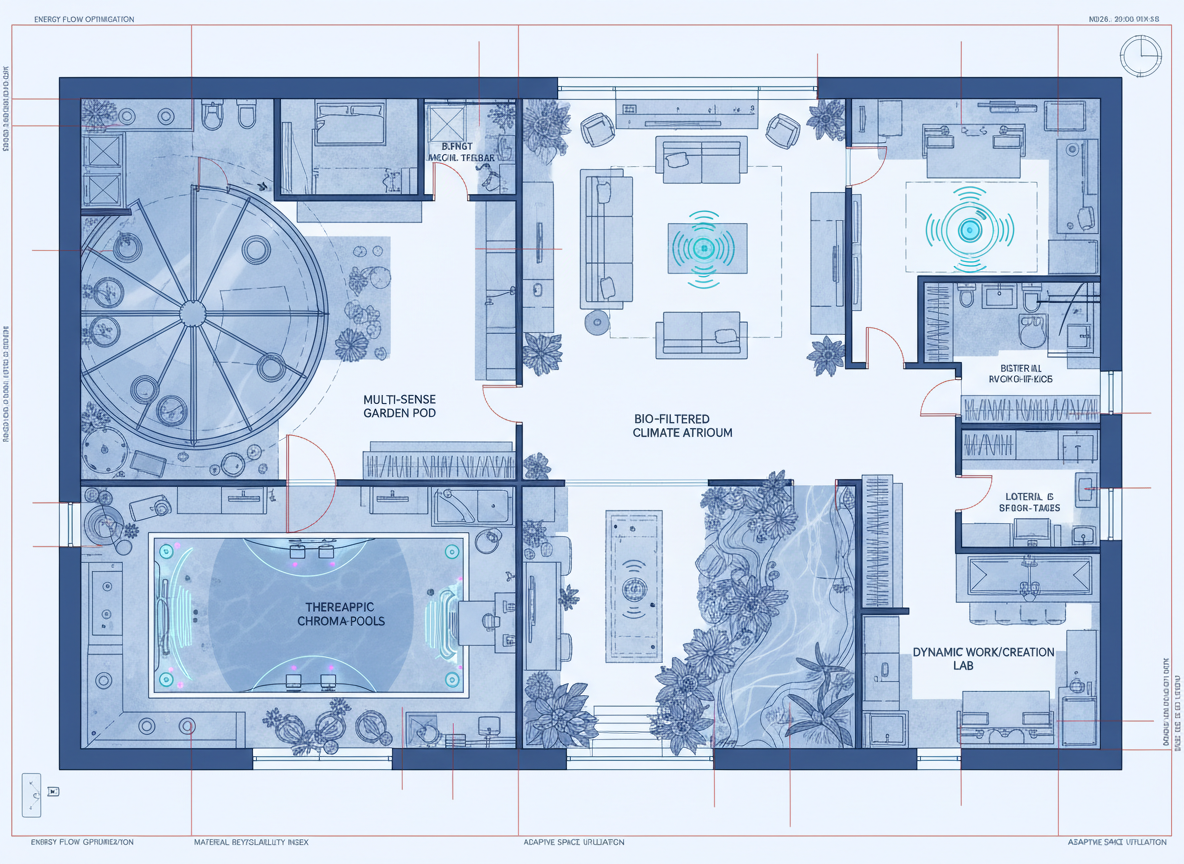
Custom Floor Plans with AI Precision
From the number of bedrooms and bathrooms to the kitchen style (open or closed), our smart home design AI lets you craft custom floor plans effortlessly. Add extras like a walk-in closet, home office, or balcony to refine your ideal living space, ensuring every detail reflects your needs. It's truly the best app to design floor plans for personalized layouts.
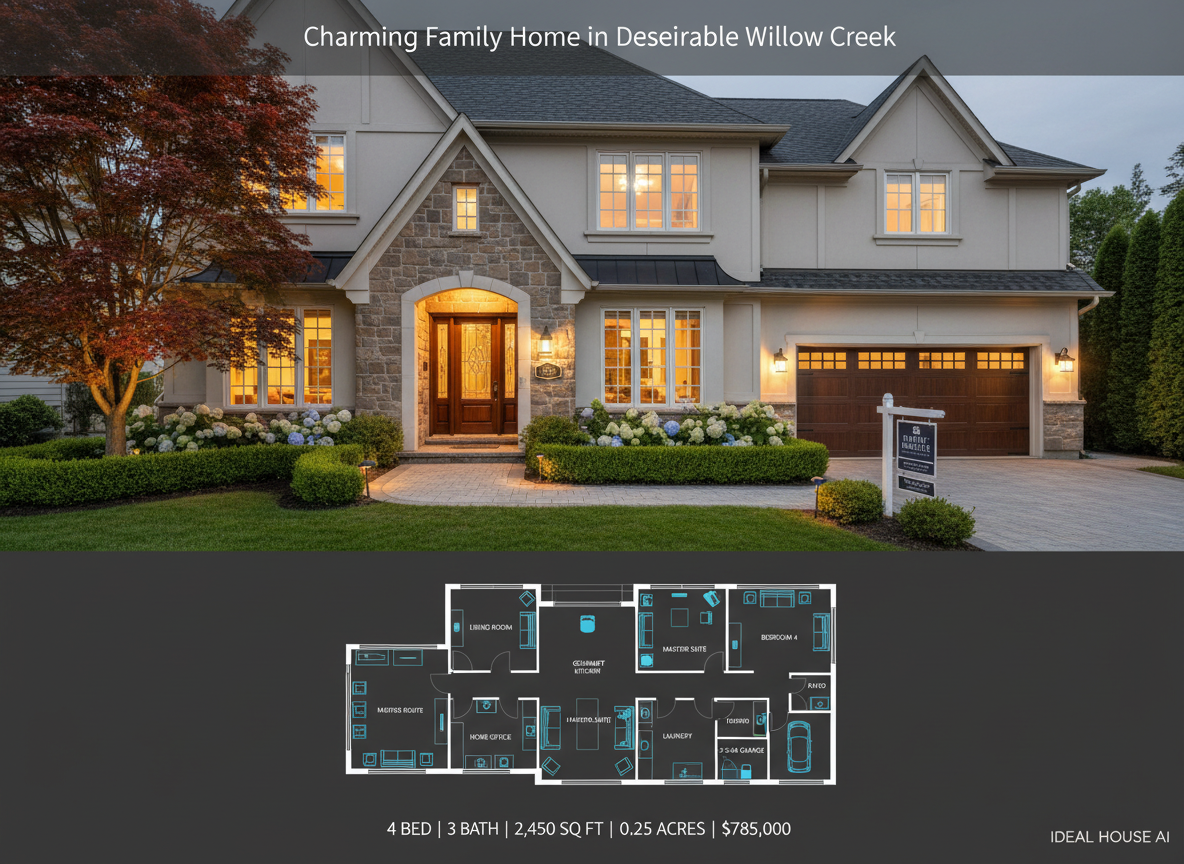
Optimize for North American Real Estate
Designed for the North American market, our residential floor plans are perfect for real estate listings, showcasing properties with clear, professional 2D floor plans. Enhance buyer understanding and accelerate sales with visuals that accurately represent flow and space. Ideal House is the best app to design floor plans for real estate professionals seeking an edge.
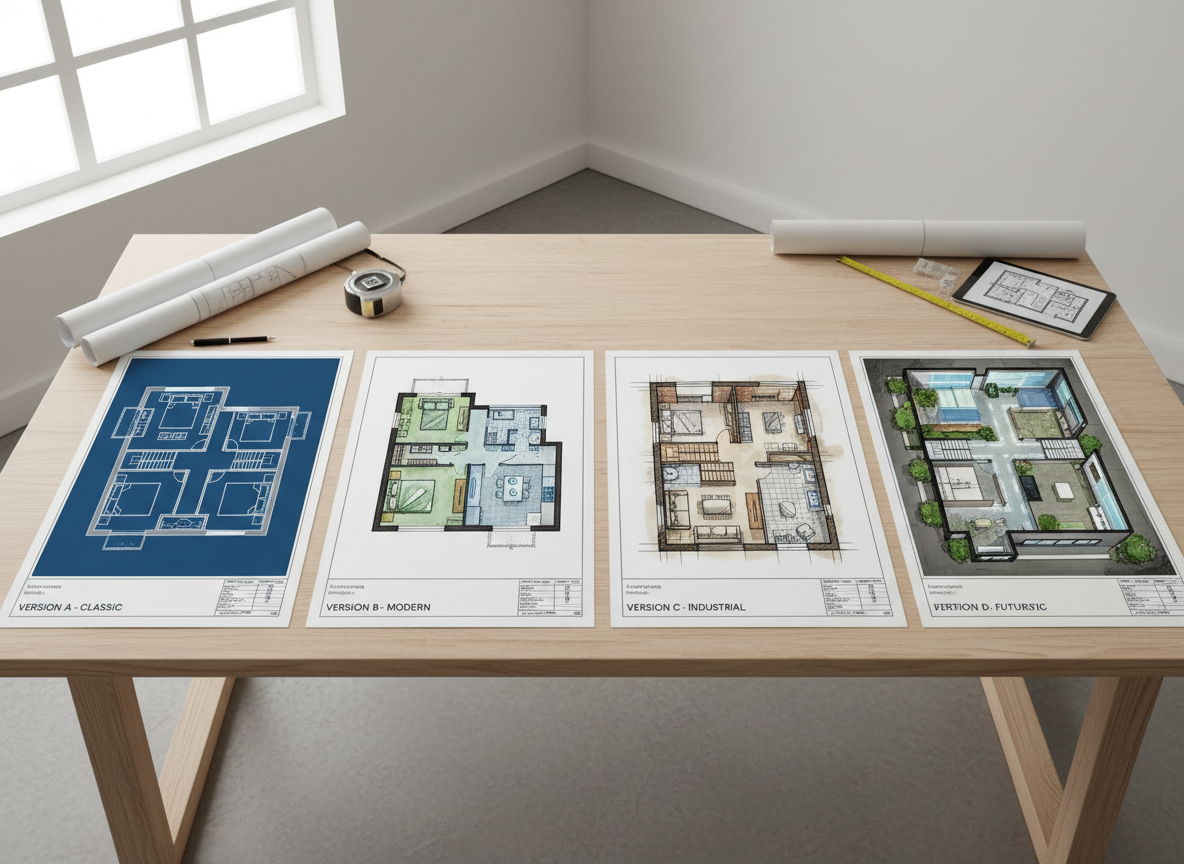
Seamless Iteration and Collaboration
Experiment with different room layouts, gross area ranges, and design elements. Our AI floor plan generator saves every version, allowing you to compare, filter, and share with clients or colleagues. Collaborate effectively and reach design consensus faster with this powerful architectural drawing app. It's the best app to design floor plans for dynamic team work.

Who Benefits from the Best App to Design Floor Plans?

Homeowners & DIY Enthusiasts: Visualize home renovations or new builds.

Interior Designers & Decorators: Quickly draft and iterate apartment layout tools for clients.

Real Estate Professionals & Agents: Create compelling 2D real estate floor plans for listings.

How to Use Ideal House: The Best App to Design Floor Plans
1
Set Rooms: Choose your desired number of bedrooms (0-4) and bathrooms (1-3) to begin defining your space.
2
Choose Kitchen Style: Select an open or closed kitchen concept to influence the overall interior layout.
3
Pick Gross Area: Define the approximate total size to ensure the AI generates proportions that fit your vision for your digital floor plan.
4
Add Extras: Personalize your design by including features like a walk-in closet, home office, or combined living-dining area.
5
Generate & Review: Click 'Generate' to instantly create your 2D floor plan. Review and refine by adjusting parameters for new versions.
6
Download & Share: Export your chosen blueprint maker app design as an image or PDF to share with anyone.
FAQs: Your Guide to the Best App to Design Floor Plans
How does Ideal House turn my selections into a floor plan?
Our AI floor plan generator intelligently interprets your inputs—beds, baths, kitchen type, gross area, and extras—then applies smart space planning software principles to draft a clear 2D floor plan. Each click creates a fresh concept you can refine.
What are the common ranges and defaults for the floor plan design app?
Bedrooms: 0–4 (default 2); Bathrooms: 1–3 (default 1); Kitchen: open/closed (default open). Gross Area: choose the closest band from predefined ranges. Extras: multi-select for ultimate customization.
What does 'Gross Area' influence in my house plan maker?
The 'Gross Area' band guides the overall scale of your layout, ensuring rooms and corridors feel proportional to the desired footprint. Selecting the closest band helps the AI create the most believable and functional digital floor plan.
What is the difference between an open and closed kitchen layout?
Open kitchens promote a continuous living-dining sightline, creating a more expansive feel ideal for modern smart home design. Closed kitchens offer a more defined, separated cooking zone, perfect for those who prefer privacy and containment.
How do 'Extras' impact the custom floor plans generated by the AI?
Extras like a walk-in closet, laundry room, or home office tell the AI floor plan creator which spaces to prioritize and how to position them. For instance, a walk-in closet typically near the primary bedroom, or a pantry adjacent to the kitchen, optimizing your room layout planner design.
Explore More Ideal House Design Tools

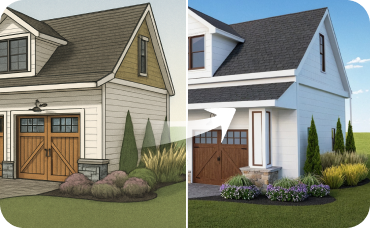
Magic Editor
Erase, add, or change specific objects in your exterior photo with a simple text prompt.
AI 3D Rendering
Create a high-resolution, multi-angle 3D model of your completely redesigned, timeless American traditional room.
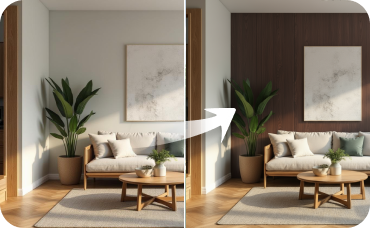
Room Visualizer
Experiment with completely new layouts to see how a beverage center or coffee nook can transform a space.
Ready to Design Your Dream Space?
Experience why Ideal House is the best app to design floor plans. Simple, fast, and remarkably precise. Generate your first residential floor plans today!
Generate My Floor Plan
💰 Ideal Houseのアフィリエイトパートナーとして10%のコミッションを獲得しましょう。
参加しませんか